
A/B testing tells you what actually works in your email campaigns, instead of relying on guesswork or best-practice advice that may not apply to your audience. But a test is only as trustworthy as the data behind it — and a list full of dead addresses can quietly distort your results before you’ve drawn a single conclusion.
What to Test
Test one variable at a time so you know what actually caused the difference in results:
- Subject lines — usually the highest-impact test, since it determines whether an email gets opened at all.
- Preview text — often overlooked, but shown alongside the subject line in most inboxes.
- Send time and day — engagement can vary significantly depending on when an email lands.
- Sender name — a personal name versus a company name can change open rates noticeably.
- Call-to-action wording and placement — affects clicks more than opens, so measure it separately from subject-line tests.
Running a Test You Can Actually Trust
- Change one variable per test. Testing a new subject line and a new CTA at the same time means you won’t know which change moved the number.
- Use a large enough sample. Splitting a list of 200 contacts into two groups of 100 rarely produces a result you can act on with confidence — small samples are noisy.
- Let the test run long enough to capture a realistic engagement window before declaring a winner, rather than calling it after the first hour of opens.
- Test regularly, not once. What works for one audience or one campaign topic won’t necessarily hold for the next.
Why List Quality Affects Your Results Before the Test Even Starts
A/B testing assumes both halves of your list are comparable and that the engagement you measure reflects real recipient behavior. Dead and disposable addresses break that assumption in two ways:
- They skew your denominator. If 10% of a test group is invalid addresses that will never open anything, your open rate is being measured against a group that was never going to engage — making both variants look worse than they are, and making small real differences harder to detect.
- Uneven bounces bias the split. If one test group happens to contain more stale addresses than the other, purely by chance, that group’s numbers will underperform for reasons that have nothing to do with the subject line or content you’re testing.
Verifying your list before you split it into test groups removes this noise, so the difference you measure is actually driven by what you changed — not by which group happened to get more dead addresses.
Common Mistakes
- Declaring a winner too early, before the sample size is large enough to be meaningful.
- Testing on a list that hasn’t been cleaned recently, then attributing poor results to the content instead of the data.
- Changing multiple variables between variants and treating the result as if it isolates one factor.
Getting Clean Data Into Your Test
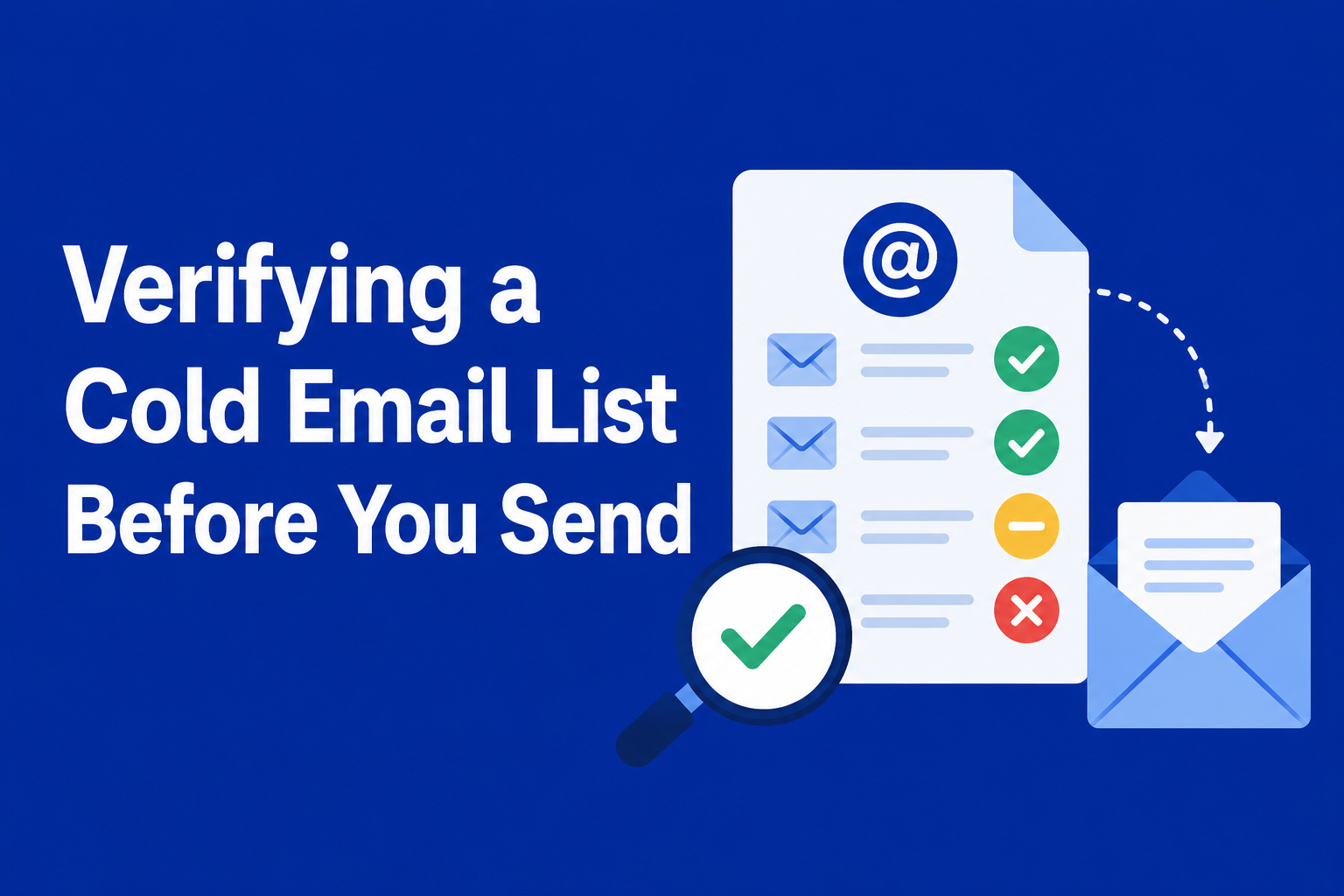
Run your list through Zuhal before splitting it for a test — verification sorts addresses into six categories (Valid, Invalid, Catch-all, Disposable, Risky, Unknown), so you can exclude anything that isn’t going to produce a real signal. See what a dirty list is actually costing your campaigns beyond just skewed test results, and how to keep a list clean on an ongoing basis so this isn’t a one-time fix before every test.
Ready to clean your email list?
Verify up to 100 emails free — no credit card required. Bulk lists, real-time API, instant results.
Get 100 Free Credits →