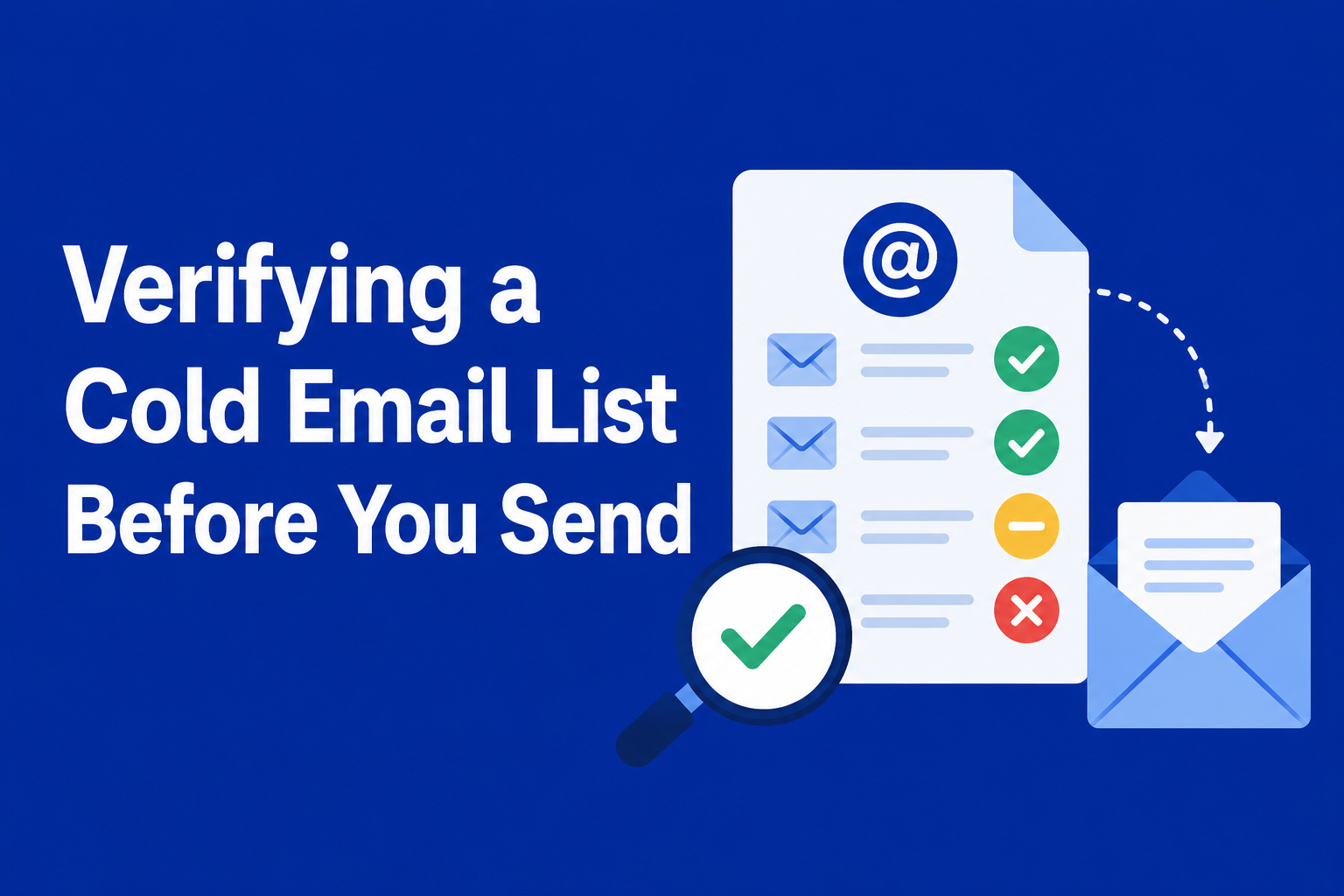

Running a list through email verification is only useful if you know what to do with the results. A report full of unfamiliar labels doesn’t help if you don’t know which ones are safe to send to, which ones to remove outright, and which ones need a judgment call. Here’s exactly what each of Zuhal’s five result categories means.
Valid
The address exists and the domain accepts mail. What to do: send to it with confidence — this is the address you built your list to reach.
Invalid
The address doesn’t exist, the domain doesn’t accept mail, or the syntax is malformed. What to do: remove it. Sending to invalid addresses produces hard bounces, which directly damage your sender reputation with inbox providers — there’s no upside to keeping these on a list.
Catch-all
The domain’s mail server is configured to accept mail sent to any address at that domain, whether or not a specific mailbox actually exists. This makes it impossible to confirm the individual address is real without actually sending to it. What to do: treat with caution. These addresses won’t bounce, but they also won’t confirm they’re reachable — many teams send to catch-all addresses but monitor engagement closely and remove ones that never open anything. See what a catch-all result means in more depth, including how to decide when it’s safe to send.
Disposable
The address comes from a temporary email service — created to receive one confirmation email or bypass a signup gate, not to build an ongoing relationship. What to do: remove it. A disposable address is often abandoned within hours of being created, so it adds nothing to a list beyond an inflated subscriber count. See how disposable-address detection works, and how to block them at signup rather than just cleaning them out later.
Unknown
The verification process couldn’t determine a definitive status — often because the receiving mail server didn’t respond in a way that allows a confident classification. What to do: treat similarly to catch-all — not confirmed safe, not confirmed bad. Some teams send to these cautiously and monitor bounce rates; others exclude them from high-stakes sends like a first cold outreach.
What About Role-Based Addresses?
Addresses like info@, support@, or admin@ aren’t a separate result category — they’re verified the same way as any other address, and typically come back Valid if the mailbox is actively monitored, which most company role addresses are. Whether a role-based address is appropriate to email is a judgment call based on the address pattern itself, not something the verification result determines for you. See when role-based addresses are a real problem and when they’re fine.
How These Results Affect Your Deliverability
The practical goal isn’t a perfectly clean list with zero anything-but-Valid results — it’s knowing which addresses are safe to send to and which ones are actively putting your sender reputation at risk. Removing Invalid and Disposable addresses before you send eliminates most of the bounces that damage deliverability. How you treat Catch-all and Unknown results is more of a judgment call based on how much risk you’re willing to accept for a given campaign.
Getting Your Results
Upload a list or connect a platform, and Zuhal returns these five categories for every address checked — whether you’re verifying a CSV, a TXT file, or a list imported directly from a connected platform. If you’re still deciding on a verification provider, see what to look for and what questions to ask. For real-time checks inside your own signup flow, see the REST API documentation.
Ready to clean your email list?
Verify up to 100 emails free — no credit card required. Bulk lists, real-time API, instant results.
Get 100 Free Credits →